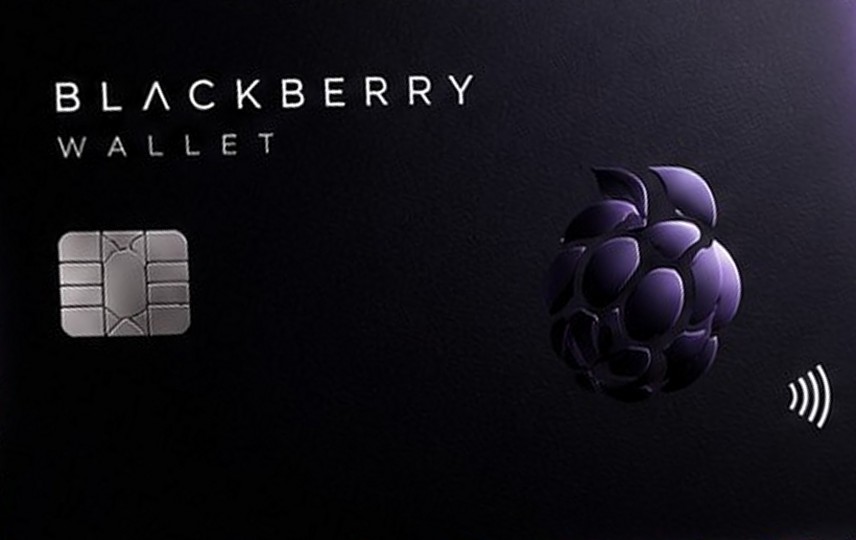
Mastercard
For services- Issuance $15.00
- Purchase $0.75
- Non-USD payment +2%
- Single payment limit $50,000
Two crypto cards: Mastercard for subscriptions and online services, and an everyday Visa. Top up with crypto, hold a USD balance and pay anywhere. No monthly fee.
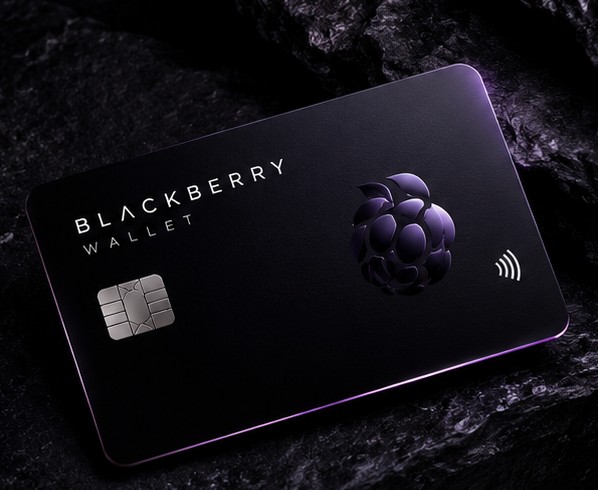
Both cards are free to keep. There is no monthly fee.
Top up with USDT, USDC, BTC, TON, ETH, TRX, BNB, LTC, DOGE or XMR. Your coins are converted to a USD card balance.
Add Visa to Apple Pay and Google Pay for free and pay with your phone in stores.
Per payment on Mastercard and up to $25,000 on Visa. Up to $500,000 a month on either card.
Linking the card to subscriptions and services is free. Mastercard is built for exactly that.
Money a merchant refunds comes back to your card with no fee.
Mastercard for subscriptions and online services, or an everyday Visa with Apple Pay and Google Pay.
Your coins are converted to a USD card balance. The card fee comes out of your first top-up: $15 for Mastercard, $20 for Visa.
Online, for subscriptions or with your phone in stores. Each purchase costs $0.75 on Mastercard and $0.30 on Visa.
Add your Visa to Apple Pay or Google Pay in a few taps and pay contactless wherever cards are accepted.
Balance, history and card controls in one place. No calls to support to freeze your card or see its details.
Streaming, music, cloud storage and work tools. Linking the card to a service is free.
Pay in foreign stores and apps straight from your USD balance.
Add Visa to Apple Pay or Google Pay and pay with your phone.
Some merchants don't accept prepaid cards or cards from certain countries. That is the merchant's decision and outside our control.
Send coins to your address in the app. Once the network confirms the transfer, they are converted to your USD card balance.
No monthly fee. You only pay for issuance and purchases.
| MastercardFor services | VisaEveryday | |
|---|---|---|
| Card issuanceonce, with your first top-up | $15.00 | $20.00 |
| Monthly fee | free | free |
| Purchase | $0.75 | $0.30 |
| Declined paymentwhen the balance is too low | $0.75 | $0.30 |
| Non-USD payment | +2% | +1.5% |
| Linking to a service | free | free |
| Merchant refund | free | free |
| Apple Pay / Google Pay | — | free |
| Single payment limit | $50,000 | $25,000 |
| Monthly limit | $500,000 | $500,000 |
Tell us how you will use the card and we will work out the cost on both cards at current fees.
Your virtual card's number, expiry and CVV are visible only to you in the app. We don't store the full number or CVV: they are fetched from the issuer only when you open the card details.
Confirmation codes arrive in the app and expire after a short time. Never share them: support will never ask for your card details or codes.
If your card details may have leaked, freeze the card in the app and contact support. Your money stays on the card.
We keep only what the service needs: your account, name and transaction history. Data is shared only with the partners the service can't run without: the card issuer and payment providers.
US dollars. You top up with crypto, it is converted to dollars, and purchases are paid from that balance. If a merchant charges in another currency, a conversion fee applies: 2% on Mastercard and 1.5% on Visa.
No. Both cards are free to keep. You pay once for issuance and then only for purchases.
Mastercard is made for services and subscriptions: $15 to issue, $0.75 per purchase, up to $50,000 per payment. Visa is the everyday card: $20 to issue, $0.30 per purchase, works with Apple Pay and Google Pay, up to $25,000 per payment.
Each account can have one active card. Choose Mastercard for services or the everyday Visa.
Send exactly the amount, coin and network shown in the app. Coins sent on another network or in another currency can't be credited and will be lost.
Chargebacks are not available on these cards. Merchant refunds come back to the card automatically and for free. For problems with a purchase, contact the merchant or service directly.
7% of the top-up amount. You can top up with any of the 10 coins; it is converted at the USDT rate.
Once, with your first top-up.
If your balance is too low and the payment is declined, we charge $0.75 on Mastercard or $0.30 on Visa. Keep a small buffer on the card to avoid it.
Yes. Non-USD payments cost an extra 2% on Mastercard and 1.5% on Visa.
Yes, the Visa card can be added to Apple Pay and Google Pay for free. Mastercard is made for online services and can't be added to phone wallets.
Leave your contacts and be the first to hear when the cards open.
A short summary of limits and responsibilities. The full terms of service will be published before launch.
Blackberry Wallet is a prepaid card service. Your balance is not a deposit or an investment: it earns no interest and is not covered by any deposit insurance scheme.
The amount credited is calculated at the USDT rate when the invoice is created and is valid for a limited time. We are not responsible for crypto price changes before the network confirms your transfer.
Crypto you send can't be reversed. Coins sent on the wrong network, in the wrong coin or to the wrong address can't be recovered.
You may not use the cards for illegal activity, fraud, sanctions evasion or payments on behalf of others, or pass a card to anyone else. Some merchant categories may be blocked by the card network or the issuer.
We or the issuer may ask for more information about you and the source of your funds to meet anti-money-laundering requirements. Transactions may be paused until we receive it.
The service is not available to sanctioned persons or in sanctioned or prohibited jurisdictions. We may refuse service without giving a reason where the law or the issuer requires it.
A card may be frozen while suspicious activity is reviewed. If the rules are broken or the issuer requires it, the card may be closed and the remaining balance returned as set out in the terms.
You are responsible for keeping your account, device, card details and 3-D Secure codes safe. Transactions confirmed with your details or codes are treated as made by you and are not refunded.
We don't sell the goods or services you pay for with the card and aren't responsible for their quality. Merchants decide whether to accept prepaid cards. Disputes about purchases are resolved with the merchant.
The service may be interrupted by maintenance or by outages at networks, the issuer or payment systems. To the extent permitted by law, we are not liable for indirect losses or lost profits.
The service is for people aged 18 and over. You are responsible for any taxes related to crypto and your transactions.
We may change fees and rules and will announce significant changes in the app in advance. The website is a summary; if anything differs, the full terms of service apply.